Download our RCM software brochure
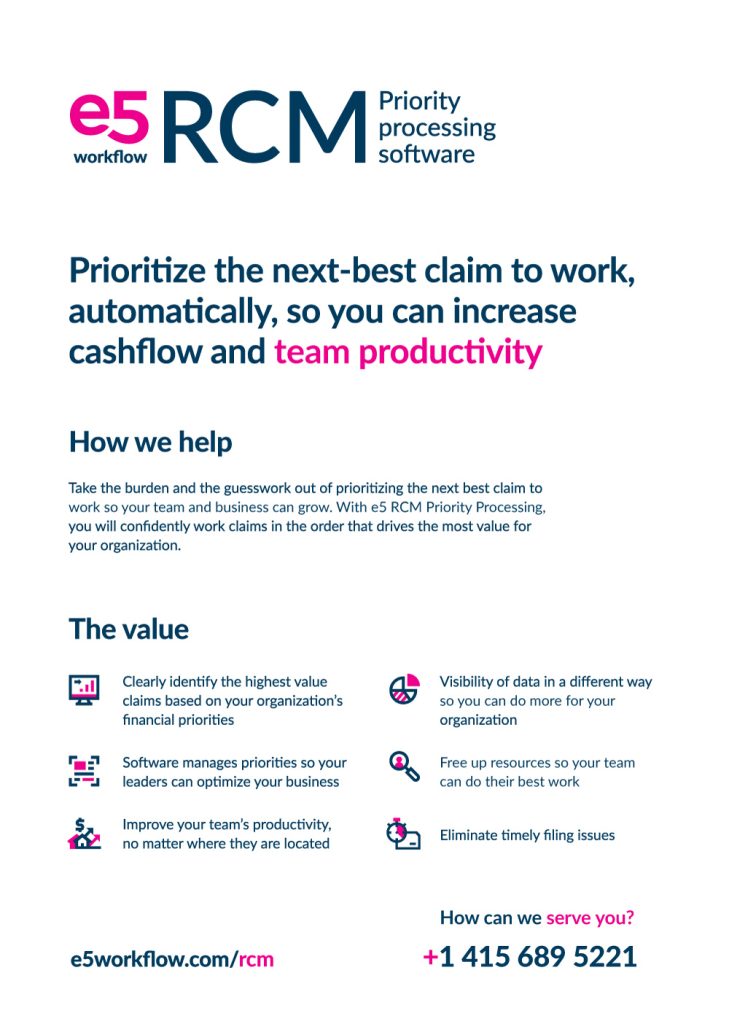
Are you looking to take your revenue cycle management to the next level? Look no further than e5 RCM Priority Processing software.
Our cutting-edge technology allows you to confidently work claims in the order that drives the most value for your organization. Our software helps you to clearly identify the highest value claims based on your organization’s financial priorities.
With built-in team priority modeling feature, you can manage the skillsets of your billing team based on your organization’s business goals. Improve your team’s productivity, no matter where they are located, and gain visibility of data in a new way that allows you to do more for your organization.
With e5 RCM Priority Processing software, you can free up resources and focus on doing your best work. Eliminate timely filing issues and take your revenue cycle management to new heights. Download our PDF to learn more and see the difference e5 can make for your business.